Interface Showcase
Platform Preview & Features
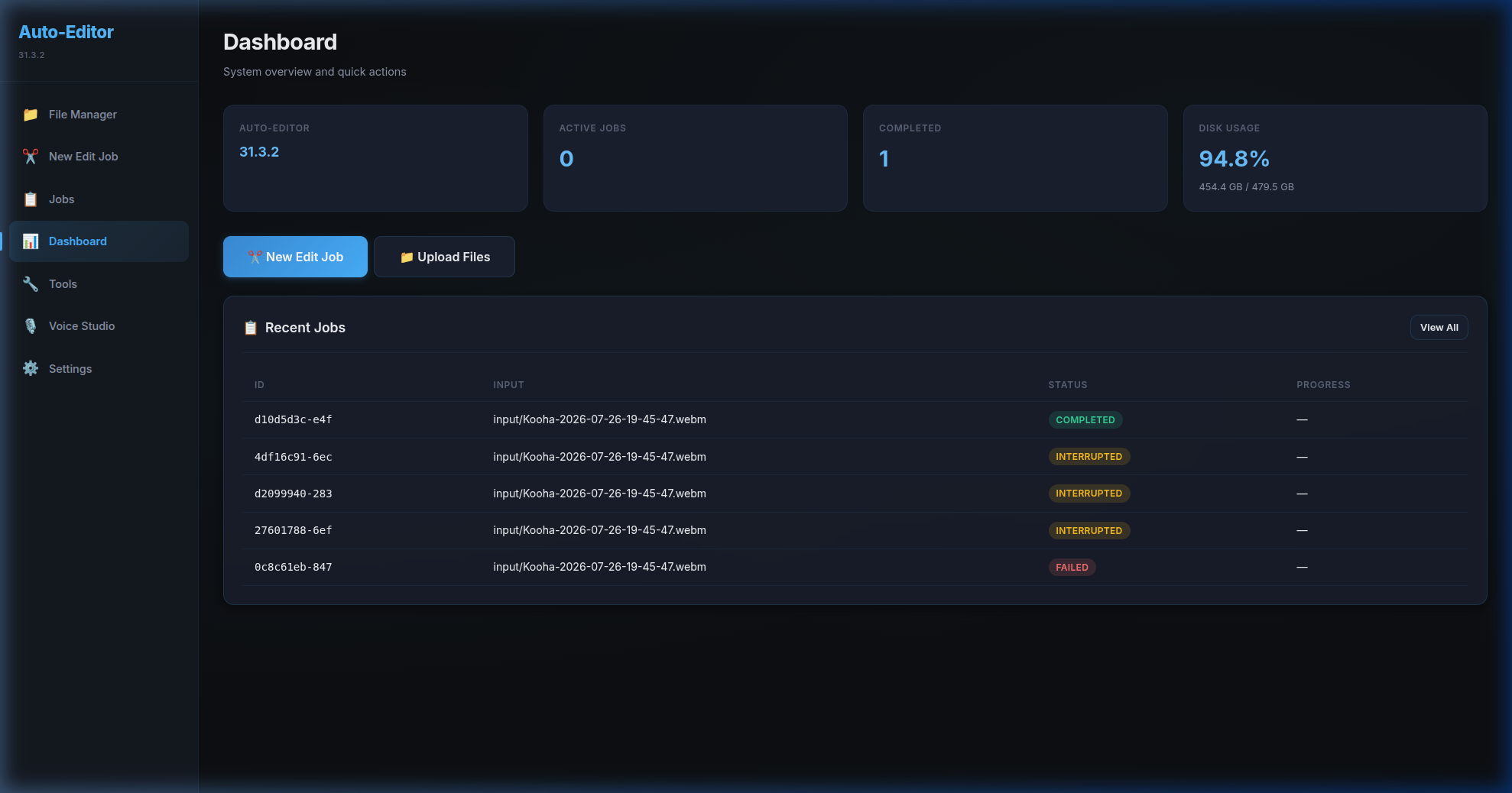
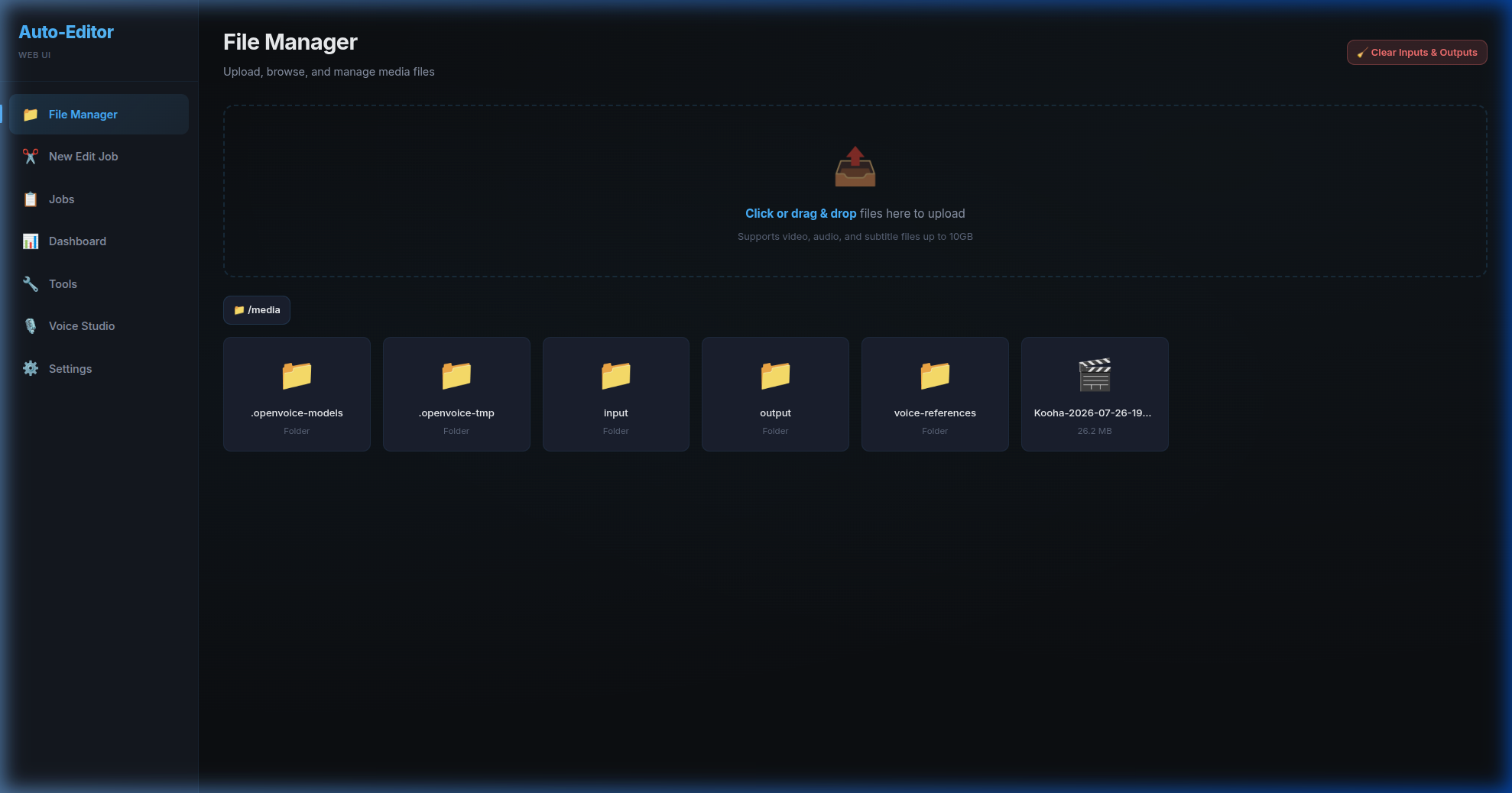
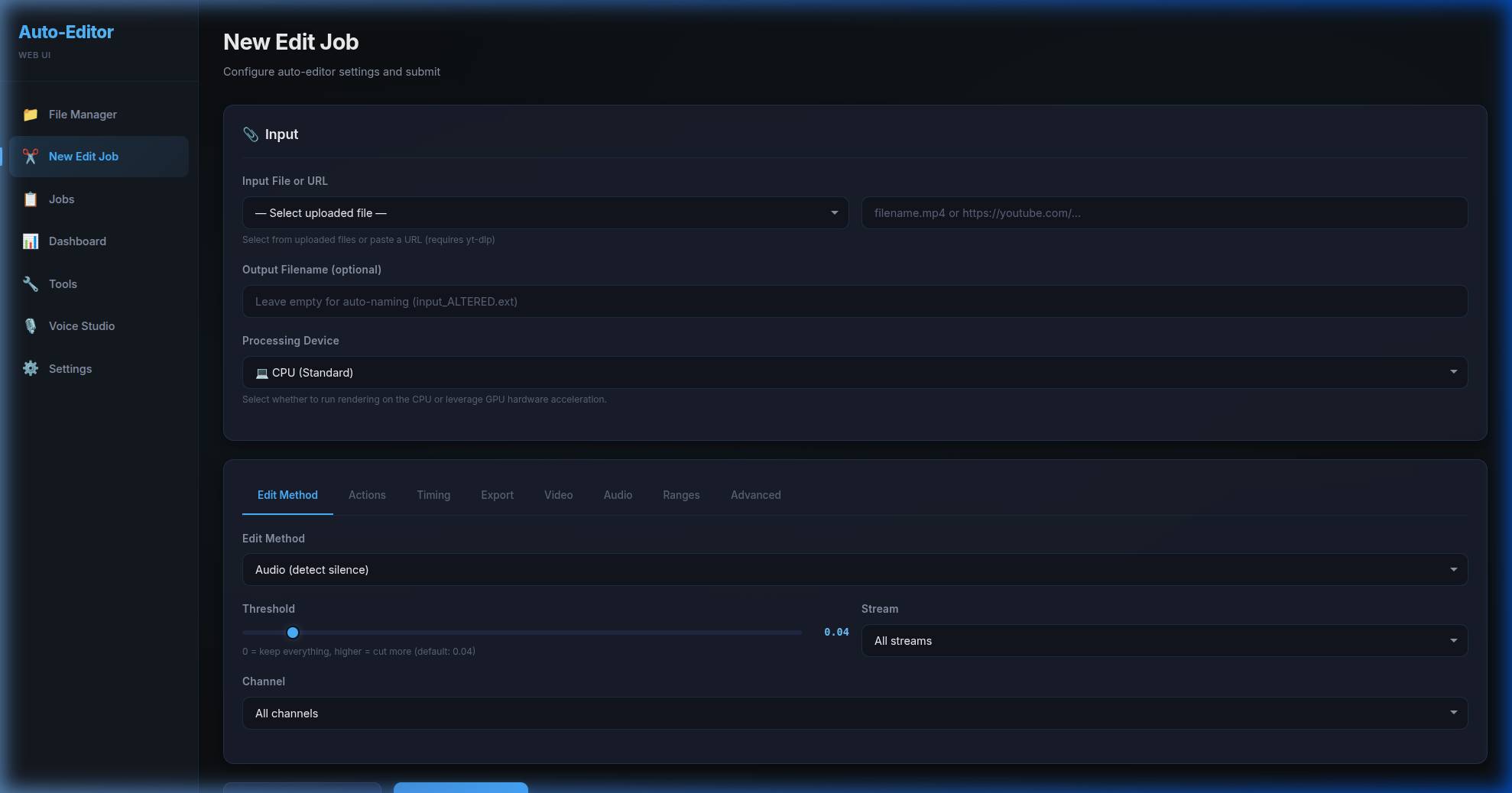
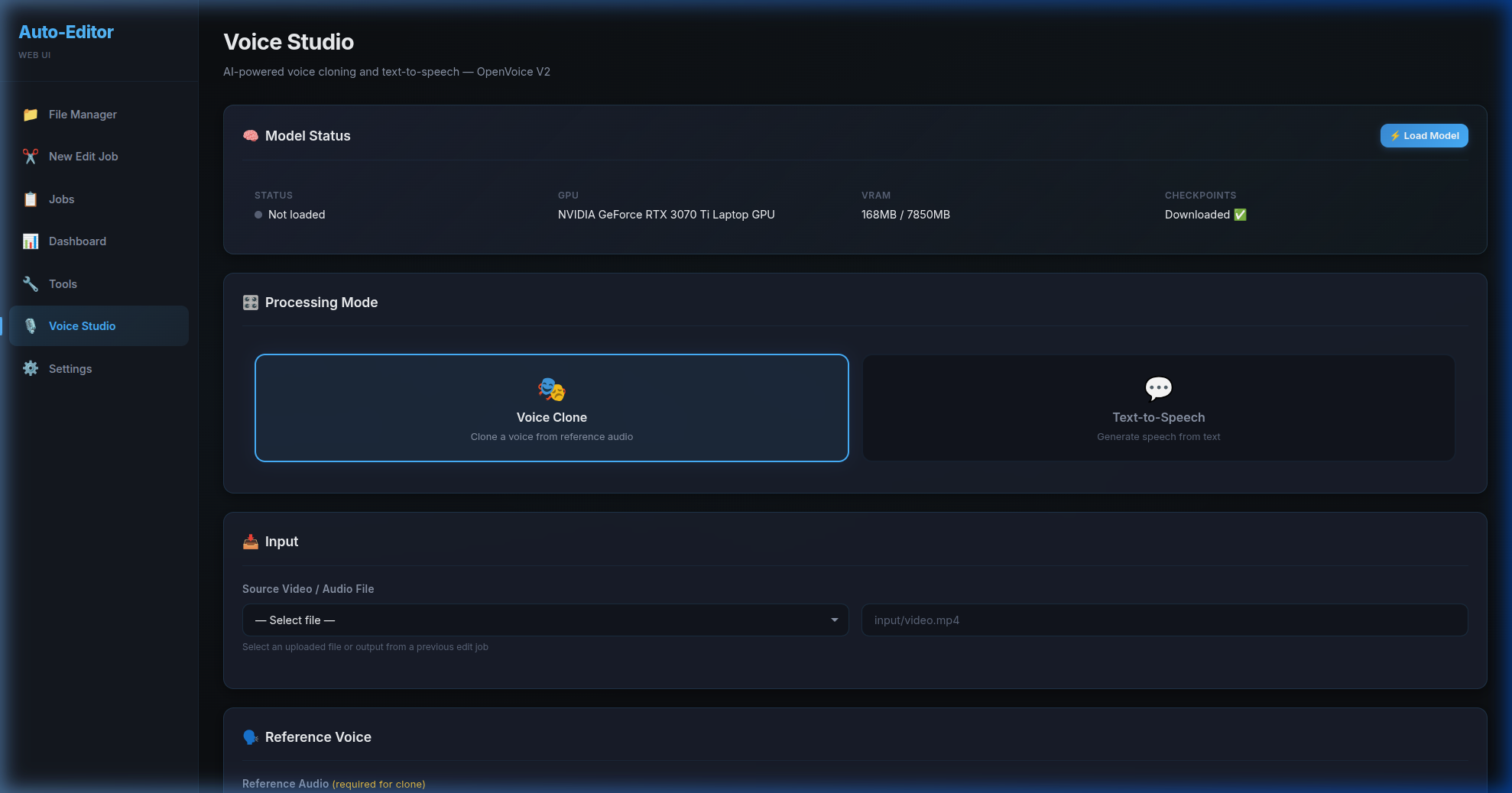
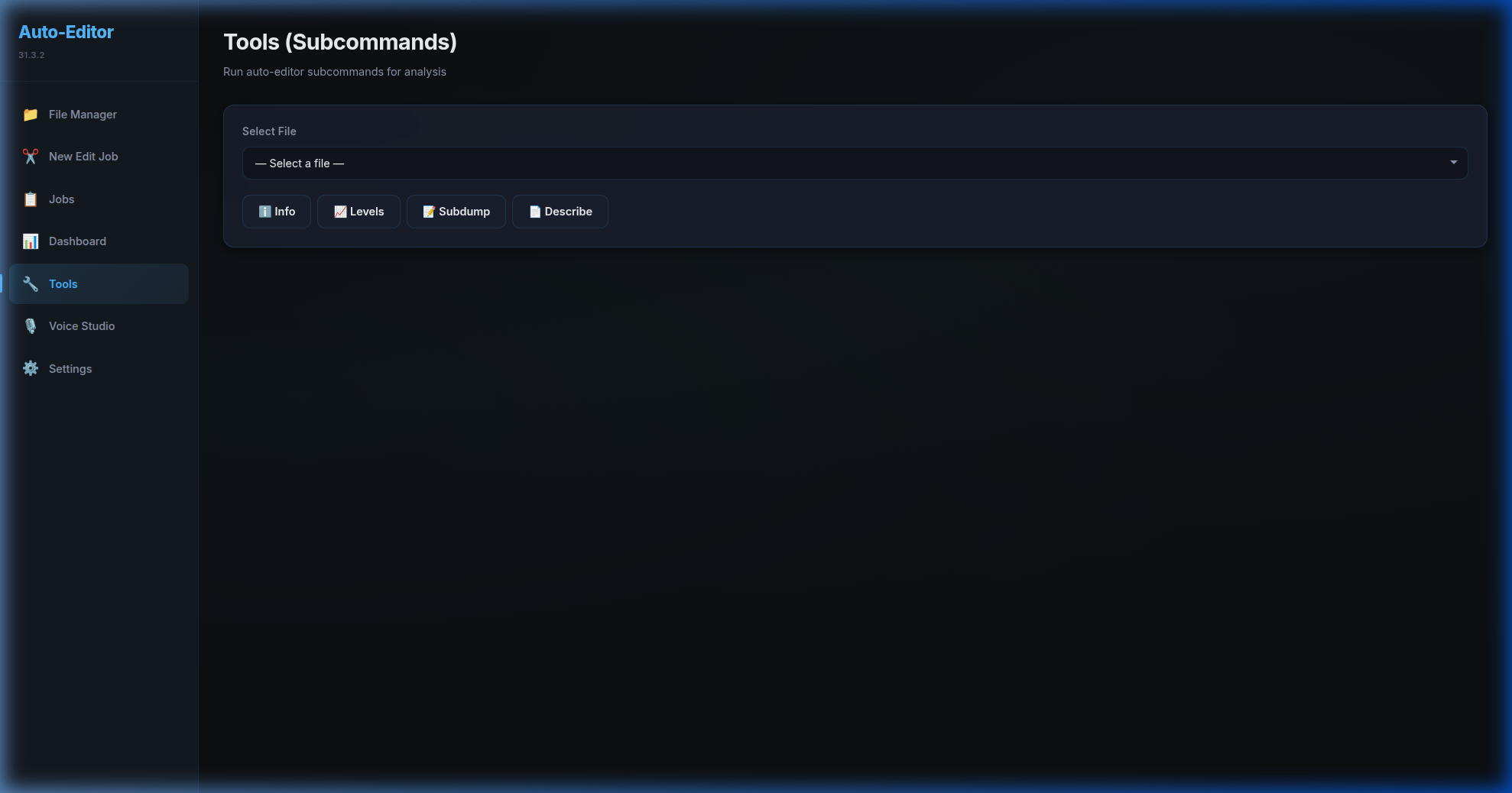
Direct view of the running application interface, showing active dashboards and core system screens.
Auto-Editor Web UI is an advanced, containerized, browser-based user interface for the popular Auto-Editor CLI utility, seamlessly integrated with state-of-the-art voice synthesis models OpenVoice V2 and MeloTTS. Designed to run headless on Linux servers or locally within Docker containers, the application provides a sleek glassmorphic dashboard to automate video cutting based on silence threshold or motion detection, customize 25+ visual effects, manage parallel database-backed rendering queues, clone voices from 0.5s–30s audio clips, and remux cloned multilingual speech seamlessly back into production pipelines.
View GitHub ResearchDirect view of the running application interface, showing active dashboards and core system screens.
A closer look at the core functional modules driving this application.
Parallel queues prevent video renders from blocking fast AI voice synthesis tasks.
Generate previews or export project files directly to DaVinci Resolve, Premiere Pro, Final Cut Pro, Kdenlive, and Shotcut.
Variable speed controls, zoom, crop, blur, brightness, contrast, de-esser, audio ducking, and chroma keying.
Server-Sent Events stream live CLI progress, rendering percentages, and task logs to the UI.
Requires zero desktop manager; access the editing suite from any browser on the network via Nginx reverse proxy.
Clean browser-based file manager supporting drag-and-drop file uploads up to 10GB.
Our solutions can be white-labeled, hosted on-premise, or customized to match your current business datasets.
Talk to Sales Team